How to identify UX problem before they hurt revenue
Author
Vignesh
Published On

Startups and scaleups lose revenue to subtle UX friction long before they notice the bill; spotting those problems early is the difference between steady growth and wasted runway. As a Senior UX Strategist and CRO Consultant at CandyStudio, I’ve seen the same hidden signals repeat across AI products, B2B SaaS, and enterprise tools abandoned signups, stalled activation, and confused support tickets and every one of those is a measurable leak in your revenue funnel.
What Are UX Problems?
UX problems are any point in a product experience where user intent and product design fail to align where what a person is trying to do and what the interface allows them to do easily don't match.
They show up in different forms:
Usability problems: confusing navigation, unclear CTAs, inconsistent UI patterns
Cognitive friction: too many decisions, unclear next steps, information overload
Trust gaps: vague pricing, missing social proof, unclear value communication
Performance friction: slow load times, broken flows, mobile responsiveness issues
Onboarding gaps: users reaching the product without understanding how to get value from it
None of these individually feel catastrophic. That's exactly why they're dangerous they compound quietly across the customer journey until they show up as a business problem instead of a design one.
Why Most Startups Lose Revenue Without Realizing It
Founders track revenue, MRR, churn, and CAC obsessively. Few track why those numbers move the way they do.
Here's the pattern CandyStudio sees repeatedly across SaaS audits: a product has decent traffic, decent interest, even decent trial signups but conversion from trial to paid stalls. Leadership assumes it's a pricing problem, a sales problem, or a "we need more features" problem. They rarely assume it's a UX problem, because the product "works." It technically functions. Users just don't get to value fast enough, or clearly enough, to convert.
This is the hidden business struggle behind most SaaS growth plateaus: the product isn't broken, but the experience isn't earning trust or momentum fast enough to convert interest into revenue.
How Poor UX Directly Impacts Revenue
Poor UX affects every stage of the funnel: acquisition-to-activation leaks lower MQL-to-trial conversions, onboarding friction reduces time-to-value (TTV), and confusing billing or upgrade flows increase churn and reduce ARPU. The cost is measurable in lost subscriptions, higher CAC payback times, and avoidable support costs that scale with user volume. Effective UX work converts to higher LTV and lower churn when prioritized by business impact.
Warning Signs Your Product Has UX Problems
Before numbers move dramatically, there are earlier signals worth watching:
Support tickets repeatedly asking "how do I..." for core features
High trial signups but low activation
Users dropping off at a specific step in the funnel, every time
Sales reps needing to "walk people through" the product manually
Customers who churn citing "didn't get around to using it" rather than a competitor
Feature requests that are actually workarounds for confusing existing features
A widening gap between marketing messaging and in-product experience
If two or more of these are present, there's a strong chance the product has UX debt building beneath the surface.
How to Identify UX Problems Before They Affect Revenue
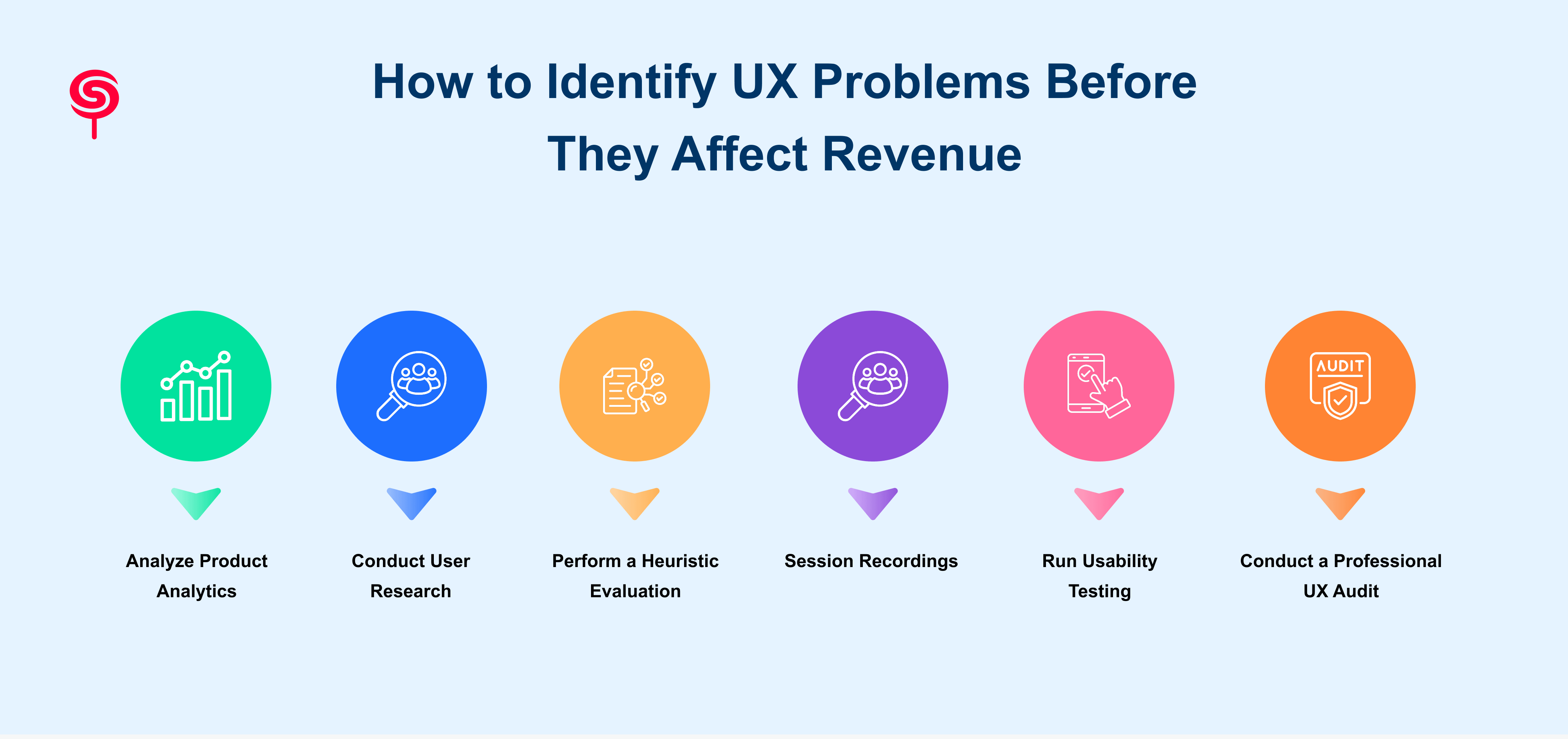
This is the framework CandyStudio applies when running a UX audit for SaaS clients a structured way to surface problems before they become quarterly revenue conversations.
1. Analyze Product Analytics
Start with behavioral data, not opinions. Tools like Mixpanel, Amplitude, or PostHog reveal where users drop off, which features go unused, and where time-to-value is longer than expected. Funnel analysis is especially useful here it shows exactly which step in onboarding, activation, or checkout is bleeding users.
2. Conduct User Research
Analytics tell you what is happening. User research tells you why. Structured interviews, in-app surveys, and win/loss calls with churned customers surface the friction points that dashboards can't explain on their own.
3. Perform a Heuristic Evaluation
A heuristic evaluation is a structured review of the interface against established usability principles clarity, consistency, error prevention, recognition over recall, and feedback visibility. This is typically done by a UX specialist who isn't emotionally attached to the product, which is exactly why internal teams often miss what an outside evaluator catches immediately.
4. Watch Session Recordings
Tools like Hotjar or FullStory let you watch real users navigate your product. Rage clicks, dead clicks, and repeated back-and-forth navigation are visual proof of friction that no survey response captures as clearly.
5. Run Usability Testing
Give 5–8 real or representative users a specific task and watch them attempt it without guidance. Usability testing consistently uncovers the small but painful friction points an unclear label, a missing confirmation state, a form field that doesn't behave as expected that internal teams stop noticing because they're too close to the product.
6. Conduct a Professional UX Audit
Internal reviews are useful, but they carry a blind spot: familiarity bias. Teams that build a product every day stop seeing it the way a first-time user does. A professional UX audit combines analytics review, heuristic evaluation, usability testing, and customer journey mapping into a single structured diagnostic with prioritized, business-linked recommendations rather than a generic list of "UI fixes."
UX Metrics Every Startup Founder Should Monitor
A short list of metrics worth reviewing monthly, not just at renewal time:
Activation rate: percentage of users reaching first meaningful value
Time to value: how long it takes a new user to experience the core benefit
Feature adoption rate: which features are actually used post-onboarding
Task success rate: percentage of users completing key flows without support
Churn rate by cohort: segmented by onboarding experience, not just overall
Net Promoter Score (NPS): directional signal on product satisfaction
Customer Lifetime Value (LTV): the long-term financial signature of good UX
Tracking these consistently turns UX from a subjective design conversation into a measurable growth lever.
Real-World Example: How a UX Audit Increased SaaS Conversions
A mid-stage SaaS product came to CandyStudio with a familiar problem: strong top-of-funnel signups, weak trial-to-paid conversion. The founding team assumed it was a pricing issue.
A structured UX audit combining session recordings, funnel analytics, and usability testing revealed the actual cause: the onboarding flow asked users to configure five settings before they could see any value, and 40% of users abandoned before completing step three.
The fix wasn't a redesign. It was a restructure: move value delivery earlier, defer configuration to after the "aha moment." Within one release cycle, activation rate improved and trial-to-paid conversion moved meaningfully upward without touching pricing at all.
This is the pattern behind most UX-driven revenue recovery: the fix is rarely a full redesign. It's usually a precise, well-diagnosed correction.
Why Growing SaaS Companies Invest in UX Before Scaling
Scaling amplifies whatever is already true about a product. A confusing onboarding flow that loses 20% of users at 1,000 signups loses proportionally more at 10,000 and costs proportionally more in paid acquisition spend wasted on users who never activate.
This is why mature SaaS companies treat UX audits as a pre-scaling checkpoint, not a post-crisis reaction. Fixing friction before a growth push is dramatically cheaper than fixing it after marketing spend has already been poured into a leaking funnel.
At CandyStudio, this is the core reason founders bring us in: not to redesign for aesthetics, but to find and fix the specific friction points quietly limiting activation, conversion, and retention before those numbers show up in a board deck as a problem.
Conclusion
UX problems rarely arrive with a warning label. They show up as slightly lower activation, slightly higher churn, slightly longer sales cycles small signals that are easy to explain away individually, and expensive to ignore collectively.
The founders and product teams who catch these problems early aren't the ones with perfect products. They're the ones who built a habit of looking through analytics, user research, heuristic evaluation, and structured audits before the numbers force the conversation.
CandyStudio works with SaaS founders and product teams to run exactly this kind of audit. If your funnel has friction you can't quite name, that's usually the first sign it's time for a second, expert set of eyes on the product.
Frequently Asked Questions
1. What are the most common UX problems in SaaS products?
The most common issues include confusing onboarding, unclear navigation, overloaded interfaces, weak calls-to-action, and a mismatch between marketing promises and in-product experience.
2. How do UX issues affect revenue?
UX issues reduce activation rates, increase support costs, slow sales cycles, and raise churn each of which directly reduces revenue and increases customer acquisition cost.
3. What causes low SaaS conversion rates?
Common causes include unclear value communication, friction in onboarding, unclear pricing pages, and a lack of trust signals often UX-related rather than purely a pricing or product issue.
4. Why are users leaving my product?
Users often leave because they struggle to understand product value, encounter repeated usability issues, or cannot accomplish important tasks efficiently.
5. What UX metrics should founders monitor?
Founders should regularly monitor activation rate, trial-to-paid conversion, task success rate, churn rate, retention, customer lifetime value, Net Promoter Score (NPS), and System Usability Scale (SUS).
Share this blog!
Latest Blogs
Explore our latest insights on design, AI, and digital innovation.